

Quick Summary
A logbook service is a scheduled maintenance visit that follows the servicing schedule in your car’s logbook. You can book one online by entering your vehicle details, selecting the service due, choosing a date, and confirming your contact details. Having your logbook and odometer reading ready speeds up the process.
- Check the warranty booklet, since warranty conditions differ between manufacturers.
- Match the service interval to your logbook, because a 30,000 km and 45,000 km service can differ.
- Logbook services often take most of a working day, so a morning drop-off is usually safer.
- Ask the workshop to list what is included in the quote and what would be charged separately.
- Keep the invoice and the stamped logbook record together for any future warranty claim.
Table of Contents
- What a Logbook Service Is and Why Warranty Depends on It
- What Is Included in a Logbook Service
- How Often to Service a Car to Stay Warranty-Compliant
- Information to Prepare Before You Book Online
- Step-by-Step: How to Book a Logbook Service Online
- Logbook Service Cost in AUD and How to Compare Quotes
- Logbook Service Checklist: What to Confirm on the Day
- Book Your Logbook Service with Northside Autocare
- Frequently Asked Questions
What a Logbook Service Is and Why Warranty Depends on It
A logbook service is a scheduled maintenance visit that follows the servicing schedule in your car’s logbook, the booklet from the manufacturer that sets out what must be checked and when. Manufacturer-approved logbook servicing matters most for warranty compliance: many new-car warranties require that servicing is completed at the intervals the manufacturer specifies and that the work is recorded.
Keeping a complete service history is the practical side of that requirement. Without a stamped or recorded service at each interval, a claim can be disputed even when the fault is genuine. The service record is your evidence that the car was maintained as the manufacturer intended.
Warranty conditions differ between manufacturers, so check the warranty booklet for your specific vehicle rather than relying on general rules.
What Is Included in a Logbook Service
A logbook service follows the checklist set out by the manufacturer for your make and model, and the exact tasks and parts depend on that schedule for your vehicle.
Inclusions and exclusions should be stated clearly before you agree to the work. Ask the workshop to list what is covered in the quote and what would be charged separately, such as parts that need replacing beyond the scheduled items. See what is included in a logbook service for a full breakdown of the checklist items. This avoids surprises at pick-up.
How Often to Service a Car to Stay Warranty-Compliant
Most manufacturers set servicing by time or distance, whichever comes first. A common pattern is a service every 12 months or 15,000 kilometres, though intervals vary widely, so use the figures in your own logbook.
Missing an interval, even by a few weeks, can create a gap in the record. If you change cars, buy used, or lose the logbook, contact the manufacturer or dealer to confirm the schedule that applies to your vehicle.
Information to Prepare Before You Book Online
Having the right details ready makes the booking faster and avoids a return trip. Gather these before you start:
- Make, model, year and registration number
- Current odometer reading
- The date of your last service and where it was done
- Your logbook or service schedule, so you know which service is due
- Any warning lights, noises or issues you have noticed
Also check whether your car has a manufacturer’s warranty still in force, as this affects which service records you need to keep.
Step-by-Step: How to Book a Logbook Service Online
Most online booking systems follow the same underlying sequence, even when the screens look different. You can book a logbook service directly through the Northside Autocare website and follow these steps as you go. Understanding what each stage is asking for, and why, lets you complete the booking in one sitting and avoid the back-and-forth that delays a service date.
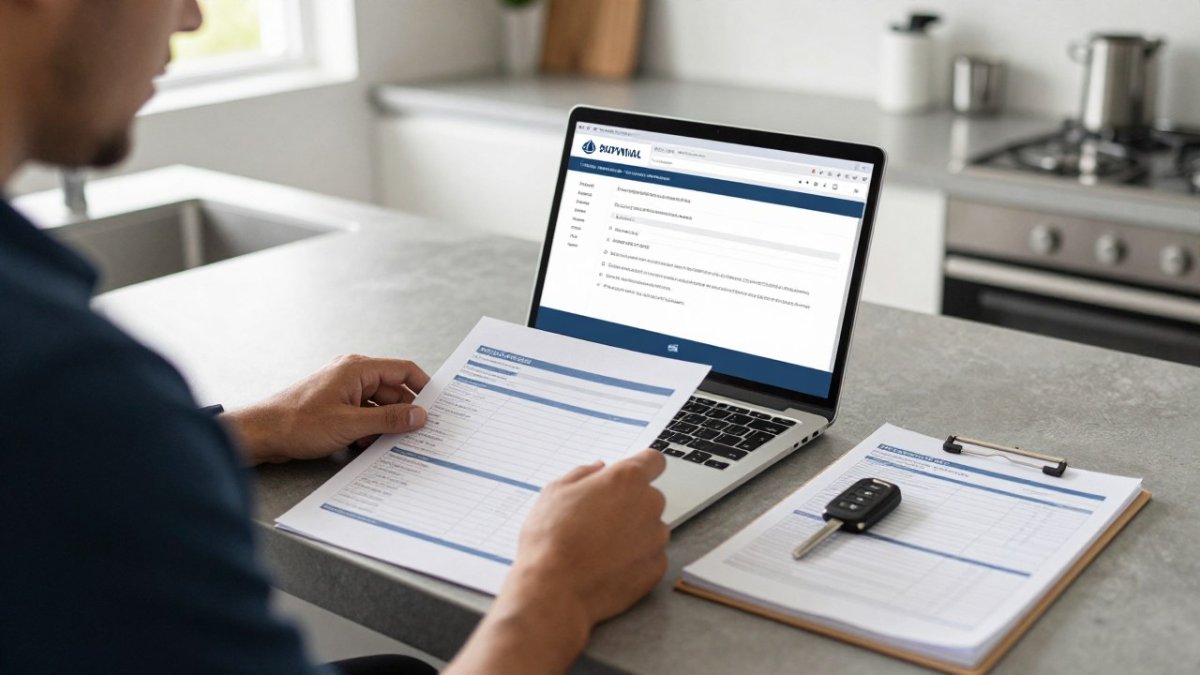
Step 1: Identify the vehicle. Enter the registration number, or the VIN if the system asks for it, plus make, model, year and body type. The registration is usually enough to pull the correct manufacturer schedule, but the VIN is the definitive identifier when a model has multiple engine or trim variants that use different service items. If the system only asks for make and model, add the variant in the notes so the workshop does not book the wrong schedule.
Step 2: Select the service due. The booking form should show the interval that applies to your odometer reading or the time since the last service. Confirm this against your logbook rather than guessing, a 30,000 km service and a 45,000 km service can carry different replacement items, and booking the wrong one means the record will not match the schedule. If you are unsure which interval is next, enter the odometer reading and note the date of the last service; a reputable workshop will confirm the correct schedule before the appointment.
Step 3: Choose a date and time. Pick an appointment that gives you enough time to drop the car off before the workshop’s cut-off for same-day completion. Logbook services often take most of a working day because the checklist covers more than an oil change, so a morning drop-off is usually safer than a late-afternoon slot if you need the car back the same day. Check how long a logbook service takes before choosing your slot.
Step 4: Add notes and any extra work. Use the notes field for warning lights, noises, leaks, or specific concerns, and flag any work you want quoted separately rather than assumed. This is also where you note whether the logbook is physical or digital, and whether you need the record stamped in a particular way.
Step 5: Confirm contact details and submit. Check the email address and mobile number, the confirmation and any follow-up about additional work will go there. Submit the booking and keep the reference number.
What happens after you submit. If no confirmation arrives after you book, contact the workshop before the appointment date rather than assuming the booking went through. Read the confirmation wording carefully.
Rescheduling and cancellations. Call the workshop as early as possible if plans change. Rescheduling well ahead gives the workshop the chance to offer the time to another customer.
Check both the date and the odometer reading against your logbook before you confirm a booking.
The booking process usually follows five stages, each asking for specific details.
| Step | What to do | Key point |
|---|---|---|
| 1. Identify the vehicle | Enter registration or VIN, make, model, year | VIN is definitive for variants |
| 2. Select service due | Match interval to logbook | 30,000 km and 45,000 km differ |
| 3. Choose date and time | Pick slot before cut-off | Logbook services take most of a day |
| 4. Add notes | Flag warning lights, noises, leaks | Flag extra work for separate quote |
| 5. Confirm and submit | Check email and mobile, keep reference | Contact workshop if no confirmation |
Logbook Service Cost in AUD and How to Compare Quotes
Logbook service pricing varies because the work itself varies, and pricing depends on the service interval and the items it includes. If you are weighing where to have the work done, compare independent mechanic and dealership logbook service options. For current prices, visit the Northside Autocare website or request a quote for your vehicle. Quotes are therefore most useful when they are compared like for like, against the same manufacturer schedule and the same list of inclusions.
Why prices differ between workshops. The main drivers are typically labour rate, the parts specified, whether consumables are itemised or bundled, and how much diagnostic time is included.
A practical comparison framework. When you have two or more quotes, check each one against the following:
- The service interval quoted matches the interval due on your odometer or date
- The inclusions list matches the manufacturer schedule for that interval, item by item
- Parts are specified by brand or type, not left as “filters” or “oil” without detail
- Labour is shown separately from parts, or the total is broken down clearly
- Consumables and disposal fees are stated, not added later
- The quote states whether the logbook record will be completed and how
- Any diagnostic charge for warning lights or fault finding is disclosed up front
- The quote has an expiry date and states whether prices include GST
Approving extra work. A logbook service frequently uncovers items outside the scheduled list, worn brake pads, a leaking seal, a failing battery. The quote should state how additional work is handled: whether the workshop will call for approval before proceeding, what the hourly rate is for extra labour, and whether a revised quote will be issued.
What a quote should not hide. Be cautious of a quote that is dramatically cheaper than the others without a stated reason. Ask directly which items from the manufacturer schedule are included and which are not.
Getting an accurate figure. The most reliable approach is to request a written quote that names your vehicle, the odometer reading and the service interval due. A quote built on those three details is comparable; a quote built on make and model alone is an estimate at best. Request quotes in writing so you can compare them side by side, and keep the accepted quote with your service records.
Watch out: a quote that does not state whether the logbook record is included can leave you paying for the service but without the warranty evidence you booked it for.
Logbook Service Checklist: What to Confirm on the Day
Before you leave the workshop, check the following:
- The service stamp or record is completed in your logbook
- The odometer reading and date are recorded correctly
- All items on the quote have been completed or explained
- Any recommended repairs are listed separately with an approximate cost
- You have a copy of the invoice for your records
Keeping these records together makes any future warranty claim far simpler.
Book Your Logbook Service with Northside Autocare
Keeping your car on its manufacturer schedule helps protect your warranty. Northside Autocare offers manufacturer-approved logbook servicing. Visit the Northside Autocare website to book your logbook service online or request a quote for your vehicle.
Frequently Asked Questions
How do I book a logbook service online?
Choose a provider that lists logbook servicing on its website, enter your vehicle’s make, model, year and current odometer reading, and select a preferred date and time. Have your service history and the owner’s manual handy so you can confirm the service schedule matches your manufacturer’s requirements. You can contact Northside Autocare to confirm availability or request a quote for your vehicle before committing.
Can I get my car serviced outside the dealership and keep the warranty?
In Australia, you can usually have a logbook service done by an independent workshop without voiding your manufacturer’s warranty, provided the service follows the schedule in your vehicle’s logbook and uses parts and fluids that meet manufacturer specifications. Keep every invoice and record the odometer reading and date. If you are unsure about a particular warranty term, check the warranty booklet or ask the workshop to note the work in your service record.
What information do I need to book a logbook service?
Have your registration number, vehicle make, model and year, current odometer reading, and any recent service history ready. Note any specific concerns, such as unusual noises, warning lights or a new engine fault. Your owner’s manual or logbook will show which service interval applies. Having these details on hand speeds up the booking and helps the workshop quote accurately for your vehicle.


